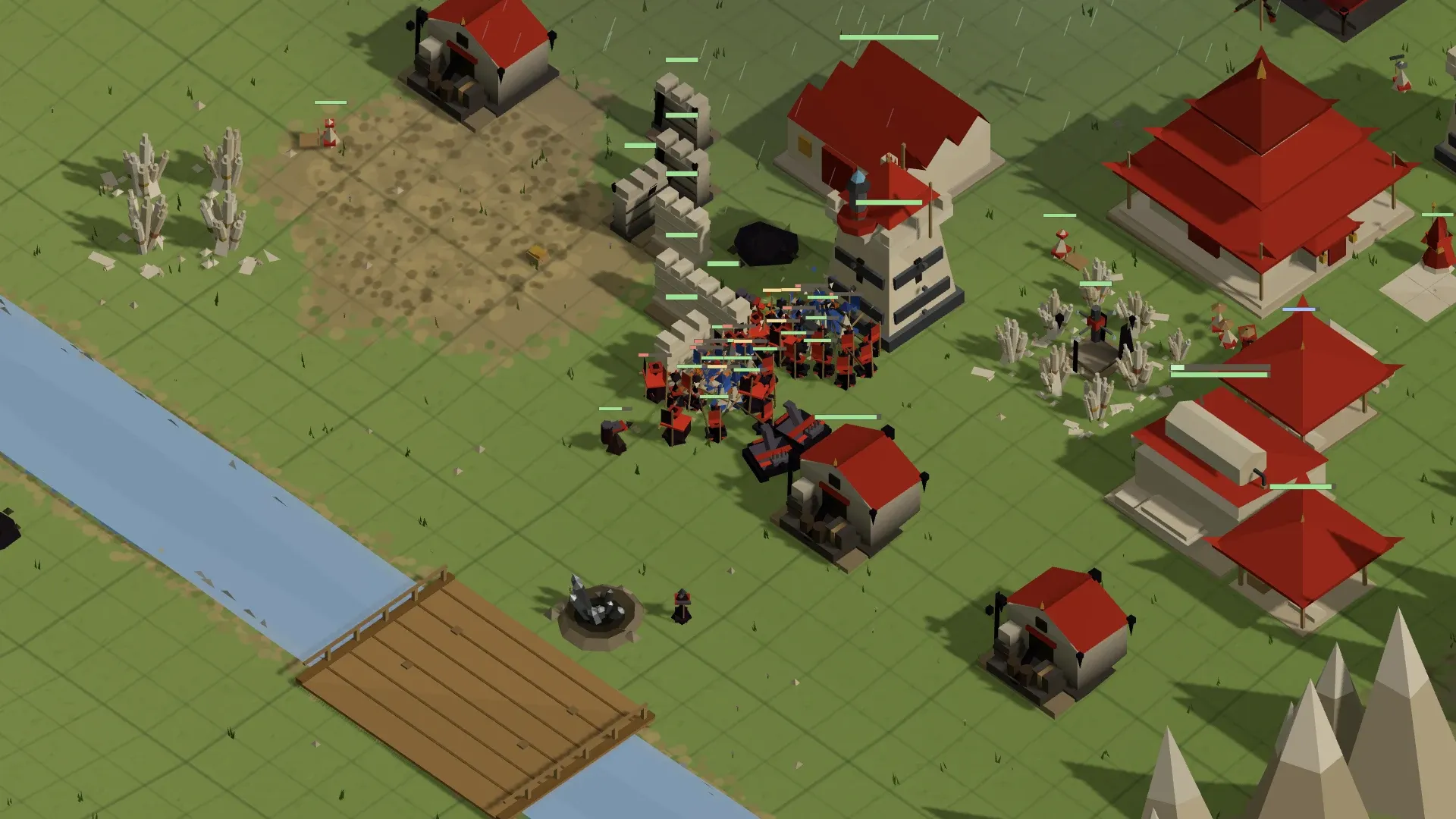
The Art of Paper War
A real-time strategy game in the classic mould — base, economy, army, map control — built out of paper, pitch and weather.
Six Ideas That Make It Warigami
Everything is Paper
Every unit is folded from a sheet by your Prime or a Pupil, in front of you, in real time. Take a fold apart again with ♻ Un-fold and get half the sheet back.
Build & Supply
Raw Paper, Pencilcore and Pitch come in from Pylons, pits and pools. The Paper Press refines Parchment. Pushers carry it all to wherever it's needed — cut the supply line and the fold stops.
The Ink Storm
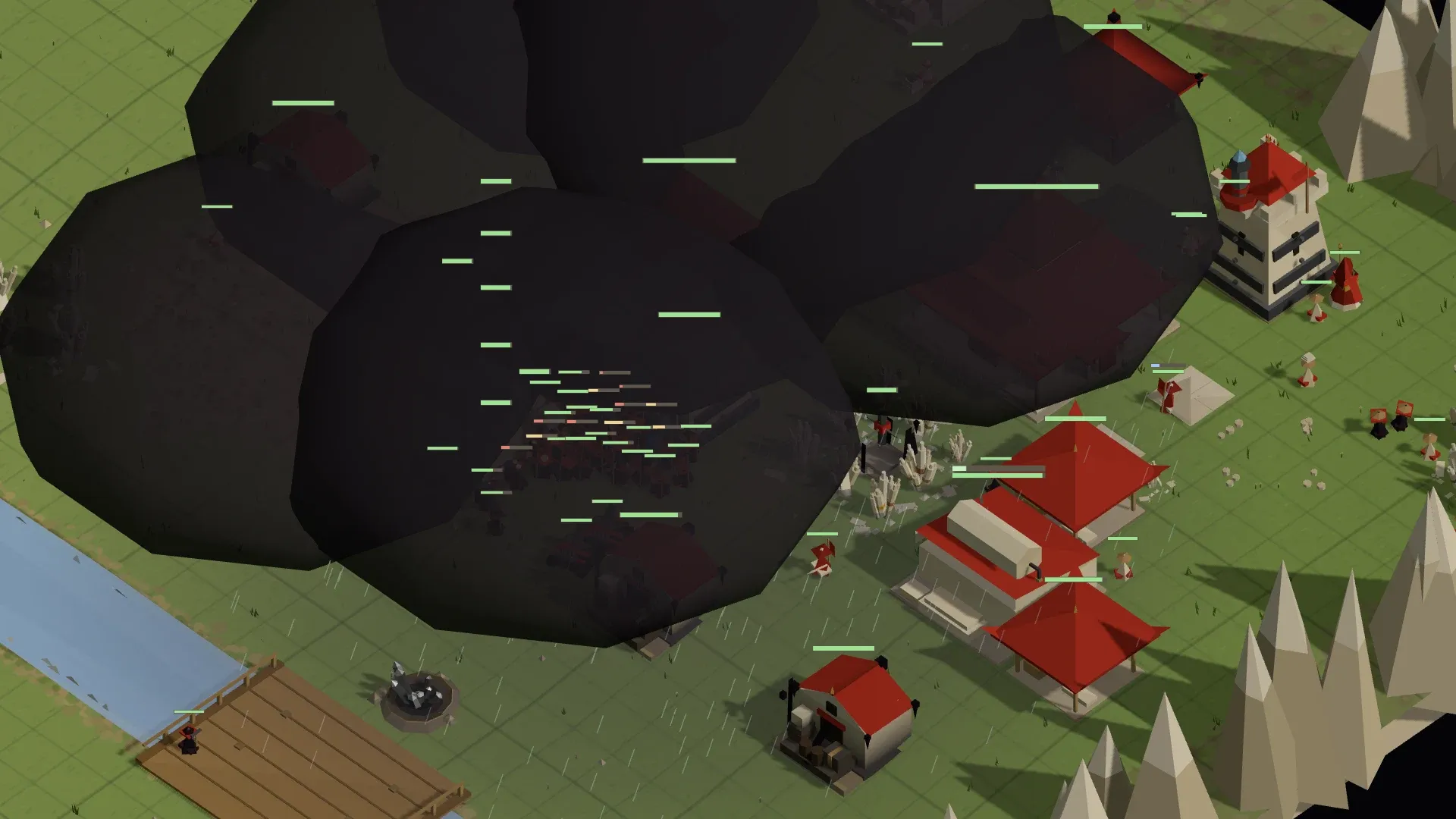
A plume of ink drifts across the map on a forecast track. Paper caught in the rain melts. Get your folds indoors or out of the track, or pray at a Prism to bend the storm toward the enemy.
Two Provinces
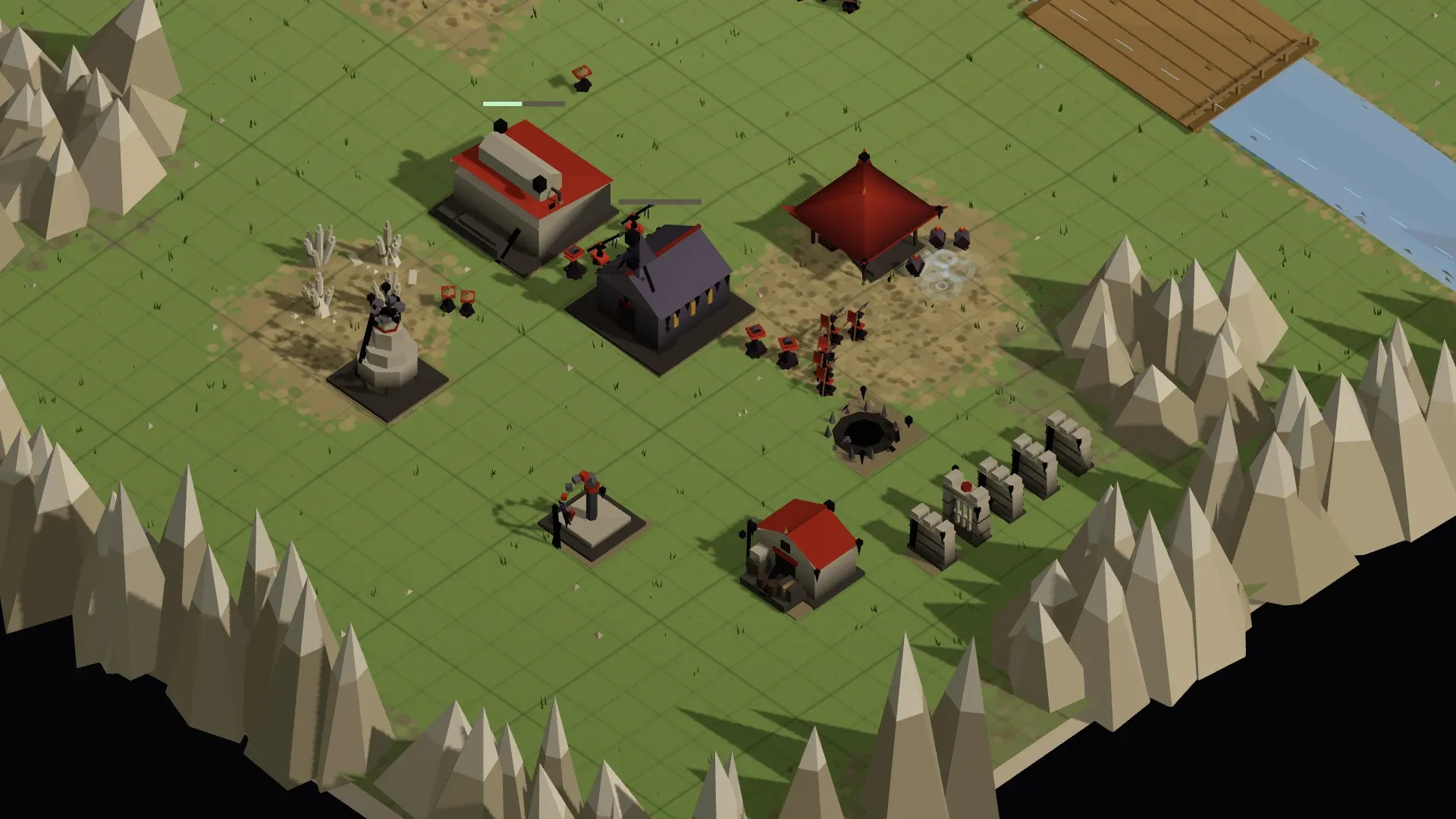
Pious or Profane — two full rosters of 31 units and 21 buildings between them, two looks, two heralds calling the battle, one war.
Walls that Matter
Drag a Palasade run and it rises as one wall; cliffs need ramps; rivers need bridges; obstacles block sight. Position is a resource.
Real Tactics
Attack-move, patrol, hold, garrison, un-fold, Aegis rings, detonations, air drops and paratroopers. Thirty-one units with distinct roles, and counters for every one.
Storms You Can Plan Around
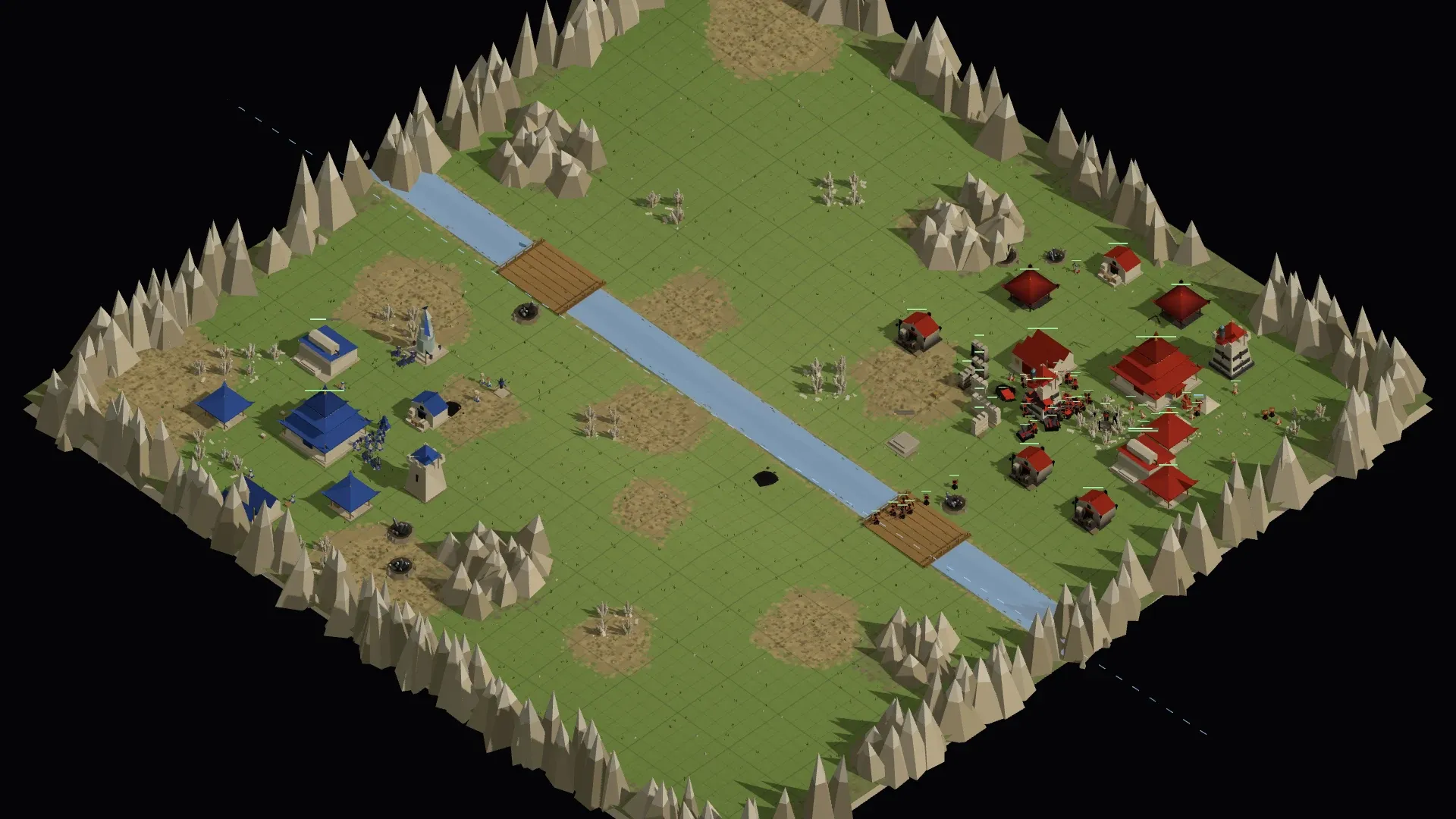
Every map has weather. A plume of ink spawns on a rolled track, drifts across the field, and melts any paper it rains on. You can see the next storm's path before it arrives — a dashed line on the ground and the minimap — so a good commander is always one step ahead of the rain.
A Prism, with Prophets worshipping at it, can Stop, Hurry, Point or Grow a storm. The enemy's army in the open, and the plume turning their way, is the best trade in the game.
From First Fold to Final Victory
- 1
Fold your first workers
Your Prime folds Pickers and Prospectors from the Palace. They head for the nearest Pylon or pit on their own.
- 2
Raise the Press
A Paper Press turns raw Paper into Parchment and opens the build tree. Pushers keep every site stocked.
- 3
Pen your patterns
A Patternworks teaches your folders new shapes. Pikemen, Pelters, Prowlers — each pattern penned once, folded forever.
- 4
Read the weather
The forecast shows the next plume's track. Move your folds, or turn the storm into a weapon.
- 5
Raze the Palace
Win by taking every enemy's Palace or Prime — losing either eliminates a player — or by whatever the scenario says.
Modes
Tutorial
The First Fold — an eleven-beat voiced mission where the Herald walks you through workers, supply, patterns, walls and your first storm.
Skirmish
Generated maps at four sizes, six biomes, rivers, lakes or coves, symmetric or not, against the Crimson AI at four difficulties.
LAN Multiplayer
Two to six players on one network, up to twelve colours in any alliance layout. Deterministic lockstep with reconnect recovery, so a dropped player can rejoin.
Scenarios & Campaigns
Use Map Settings maps carry their own rules and triggers. Chain them into a campaign with briefings and unlocks in the Campaign Designer.
Every Number Is On the Wiki
Costs, fold times, health, damage, range, speed, abilities — every stat on this site is exported straight from the game's data files, so what the wiki says is what the game does.
- Units → sortable comparison table, DPS per cost, role peers
- Buildings → what folds where, what unlocks what
- Tech tree → the whole dependency graph on one page
- Strategy → build orders, counters, and storm play
- Controls → every hotkey
System Requirements
Warigami is deliberately light. If your machine can run a modern browser, it can run Warigami.
| OS | Windows 10 or 11 (64-bit). The browser version runs anywhere Chrome, Edge or Firefox does. |
|---|---|
| Graphics | Any GPU with WebGL 2. Integrated graphics run at the low preset; the game lowers its own settings if it can't hold 22 fps. |
| Memory | 4 GB RAM. 8 GB recommended for six-player matches on the largest maps. |
| Storage | ~460 MB installed. Updates download only the changed part (~60 MB). |
| Network | Multiplayer is LAN only: all players on the same local network. No internet account or server required. |
| Input | Mouse and keyboard. Edge-scroll, WASD and middle-drag camera; every command has a hotkey. |